What Is a Hologram Browser? A Clear Guide to Spatial Browsing
Understand what people mean by a hologram browser, how spatial web experiences work, and which questions to ask before trying one.
Read the guideHolograms. AR. VR. A whole new way to see.
Explore spatial browsing, understand the technology, and discover what an extra dimension can do.
Big ideas, clearly explained. No headset needed to get curious.

From a clever reflection to an immersive world, get to know the ideas behind the experience.
From a page on your screen to objects in your space. Understand the browser layer of the spatial web.
The spatial web02 / EXPLOREReflection, projection, and a little perspective. Find out what makes an image seem to float.
Understand the effect03 / EXPLOREExplore digital objects inside an immersive world, with viewpoints and interactions that change as you move.
Immersive experiences04 / EXPLOREPlace a digital idea alongside your surroundings. Get to know scale, tracking, and real-world context.
Your world, augmented05 / EXPLOREGo deeper into position, perspective, and the feeling of digital objects sharing a physical space.
Think spatially06 / EXPLOREDecode the hardware, compare display approaches, and know which questions to ask before you buy.
Displays, explained07 / EXPLORETurn shape, scale, and complex relationships into a view people can explore and understand.
Create in 3D“Hologram” gets used for a lot of different things. Understanding what creates the image helps you understand what it can do.
Understand the differenceRecorded or computed wavefront information is used to reconstruct light. This is the technical meaning of holography.
Reflections, projection surfaces, and display effects can make an image appear to float. Viewing position and lighting shape the result.
AR and VR render digital objects in a spatial scene. A phone, headset, or other display gives you a view into it.
Understand what people mean by a hologram browser, how spatial web experiences work, and which questions to ask before trying one.
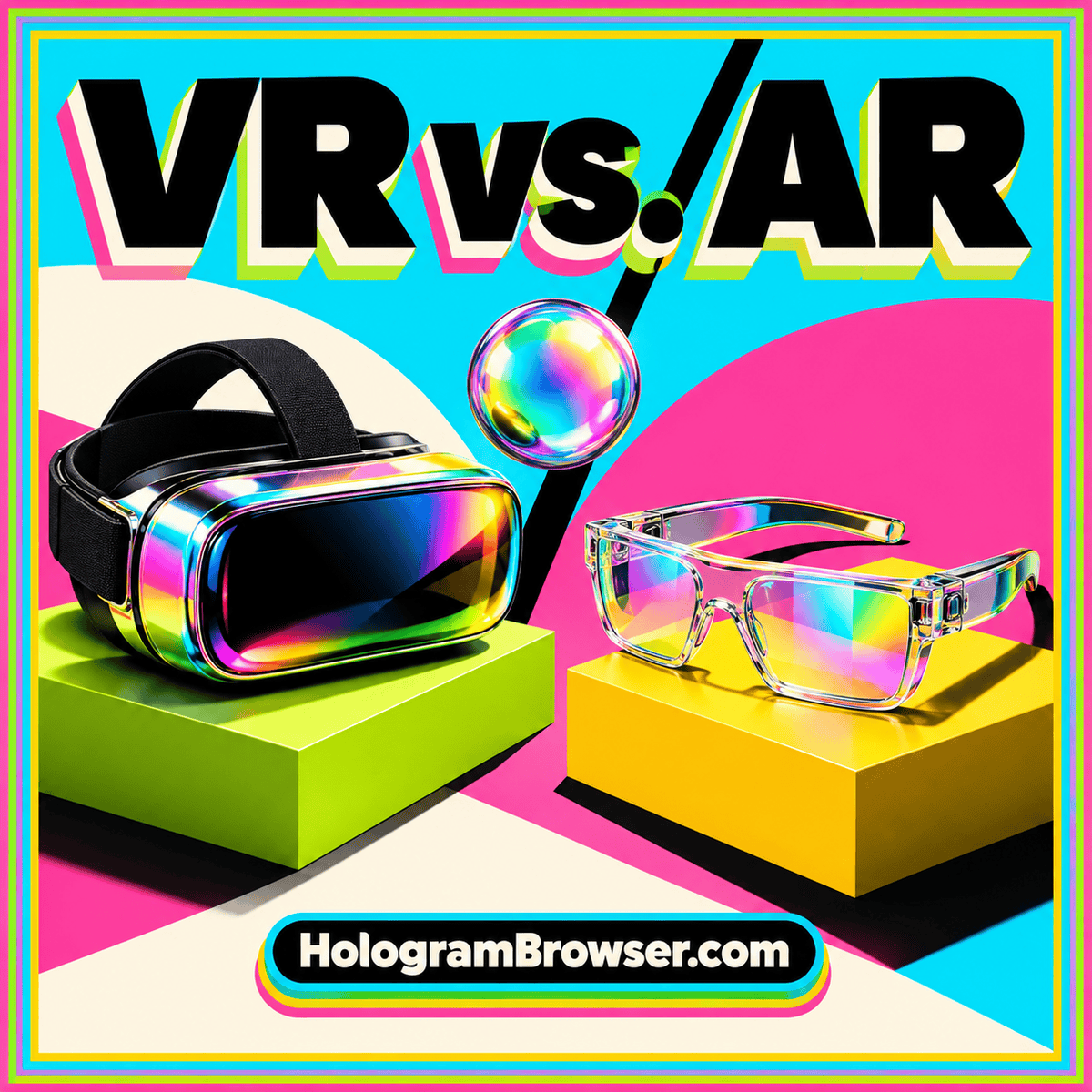
Read the guideCompare virtual and augmented reality by room context, object placement, interaction, and practical use rather than the hologram label.
Read the guideTurn a striking demo into a realistic buying decision with a checklist for display technology, viewing conditions, content, installation, and ownership costs.
Read the guideYou don’t need to know the vocabulary first. Pick a question, follow an idea, and see where it takes you.
It is a descriptive term for exploring digital content in three-dimensional space. It can involve 3D objects on a web page, webpages arranged around you, or immersive experiences opened from a link. See how spatial browsing works.
AR and VR usually render digital objects through a screen or headset. Optical holography reconstructs a light wavefront. The word “hologram” is often used broadly, so the display mechanism matters. Compare AR and VR.
Many effects that appear to float use reflection, a display, a projection surface, or a headset. Ask where the image-forming light comes from and whether there is a surface or device involved. Follow the light behind the illusion.
No. Many 3D models can be inspected on an ordinary phone or computer screen. AR or immersive VR needs an appropriate device and compatible software. Start with 3D visualization.
Ask about the underlying mechanism, viewing area, room lighting, content requirements, installation, and ongoing costs. A demonstration with your own content is more useful than a highlight video. Use the projector buying guide.
Begin with the hologram illusion explainer, then compare AR and VR. If you want a simple hands-on activity, the Pepper’s Ghost guide uses a phone and a smooth clear sheet to demonstrate reflection. Try the reflection experiment.