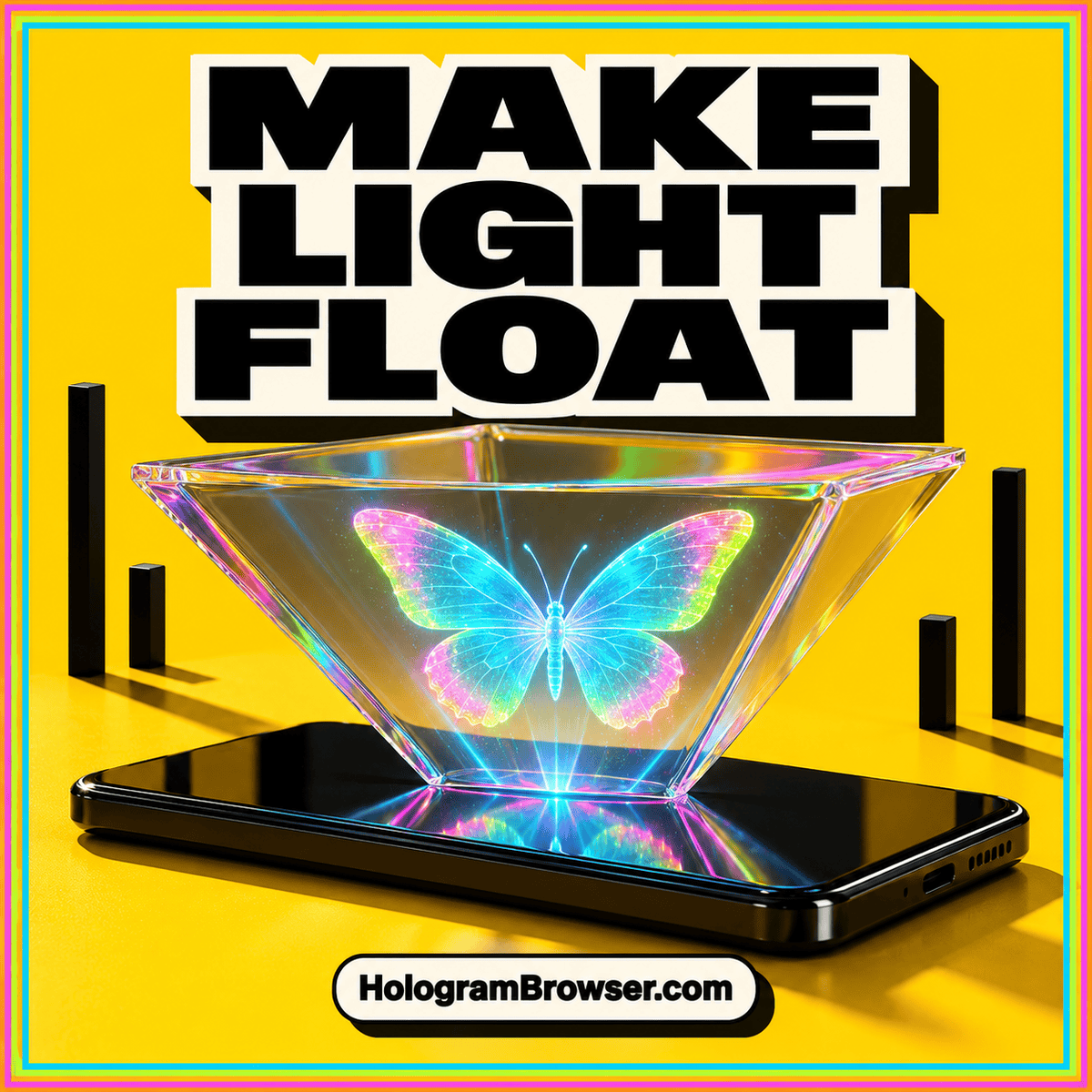
A small bright figure can appear to stand above a phone when you reflect its screen in a tilted transparent sheet. This home project uses that effect to make a simple Pepper’s Ghost illusion. The build needs one piece of clear packaging, folded cardboard, tape, and a phone. There is no special app to install: a bright drawing on a black background is enough to begin.
The goal is an understandable optical experiment with a convincing result. For the wider context, our hologram illusion guide explains why several very different displays share the same popular name.
What you are actually making
The clear sheet passes much of the room’s light through while reflecting some screen light toward your eyes. You see the surroundings through it and the phone’s reflection superimposed on that view. A dark background helps the reflected subject stand out and makes the transparent surface less obvious.
The Institute of Physics explains the reflection geometry: an appropriately oriented sheet at 45 degrees redirects upward light horizontally. Your eyes receive that reflected light as though it came from a figure behind the sheet. This is a virtual image. Light is not forming a solid object at the place where the figure seems to stand.
Gather a few suitable materials
- A phone with a clean screen and enough battery for a short session.
- One light, soft, flat piece of clear packaging with existing smooth edges. Choose a piece wider than your intended image.
- Two small rectangles of thin cardboard that you can fold by hand.
- Removable tape and a plain dark card or dark piece of fabric.
- A stable desk with room to sit in front of the arrangement.
Use the clear piece in its existing shape. This version requires no cutting, glass, heat, flames, or lasers. Avoid crumpled wrapping: even a small crease through the viewing area can make the reflected outline look uneven.
Build the single-sheet display
1. Prepare a simple test image
Start with a white circle or a small, bright drawing on a completely black background. Leave a generous black margin around it. Display the image full screen, hide the controls, and begin with moderate screen brightness. A still picture makes it easier to diagnose the setup than a busy animation.
Place the phone flat on the desk, screen facing up. Decide which side of the desk will be the front, where you will sit. For a character, orient its head toward that front edge. In the finished reflection, the part of the picture nearest you will appear higher. Lock screen rotation if it keeps changing your chosen orientation.
2. Make supports beside the phone
Fold each cardboard rectangle into a small triangular tube and tape its overlapping ends together. Give each tube a broad base so it stands steadily. These supports sit to the left and right of the phone, entirely on the desk. They should hold the clear sheet by its outer margins, leaving the middle unobstructed.
Adjust the folds until each support offers a slope of roughly 45 degrees: the rise should be about the same as the horizontal distance covered. Matching slopes matter more than exact measurements. Test that the cardboard stands without rocking before putting the clear piece across it. Keep its weight and the tape off the phone.
3. Lean the sheet toward the viewer
Position the clear sheet across the supports above the phone. Its lower edge belongs near the far end of the phone, away from you. Its upper edge should come toward you, over the screen. Seen from the side, the sheet rises as it approaches your seat. Tape only the outside margins to the cardboard, keeping the reflecting area smooth.
This direction is essential. Light travels upward from the screen, reaches the sloping sheet, and some is reflected toward the front. Reversing that slope sends the useful reflection toward the opposite side. Keep a little clearance above the device and ensure the bright test image lies underneath the sheet’s sloping area.
4. Find the viewing position
Sit in front and bring your eyes down toward the height of the middle of the clear sheet. Look approximately horizontally through it toward the space behind it. You are looking across the phone, rather than down onto its screen. Move your head a little higher or lower until the reflected circle appears.
Place the dark card behind the apparent image, beyond the far edge of the phone. Leave space between this backdrop and the sheet. The image should appear in front of that background, giving you a useful visual separation between the reflection and the physical card.
5. Improve one setting at a time
Reduce nearby room lighting enough to remove distracting reflections while keeping the desk visible. Then increase phone brightness gradually if the image needs help. Adjust the sheet angle slightly, settle back into the same seat, and compare the result. Avoid changing brightness, angle, content, and viewing height simultaneously.
Once the outline looks stable, replace the circle with a slow animation. Use a single subject on black; a four-way pyramid video divides the screen into separate views and is unnecessary for this one-sheet arrangement.
Fix the most common problems
- No image: Check that the top of the sheet leans toward your seat. Lower your viewing height and confirm that the bright picture sits beneath the clear area. Try a large white circle before adjusting anything else.
- A weak, washed-out image: Move a bright lamp out of the reflection, darken the backdrop, and raise screen brightness modestly. A bright room seen through the sheet can overwhelm a faint reflection.
- A bent or doubled outline: Relax tape that is pulling the sheet unevenly. Try another already smooth piece of thin packaging if one is available. Some material produces extra reflections, so perfect sharpness may remain out of reach.
- A clipped or upside-down subject: Reduce its size and recenter it on the screen. Rotate the content so the character’s head points toward you. Check the result from your actual viewing seat.
Three experiments that explain the illusion
Change the background. Replace the dark backdrop with a light card, keeping everything else fixed. Compare the apparent contrast. Then restore the dark background and compare again. This separates the effect of the surroundings from changes in the phone’s brightness. Record which arrangement makes the sheet easiest to overlook.
Slide the image. Move the bright shape toward and away from your seat within the phone screen. With the sheet near 45 degrees, movement along the screen’s front-to-back direction becomes movement in the reflected image’s height. Moving the phone itself introduces additional changes, so edit the picture’s position if your drawing app allows it.
Move your viewpoint. Shift gently left and right without touching the display. Notice how the reflection relates to the backdrop and where the sheet stops giving you a complete view. You may see perspective changes in the reflected image plane, but moving your head does not reveal the unseen side of the pictured object. A prerecorded rotating subject is still showing everyone the rotation supplied by the video.
Record a useful demonstration
If another camera is already available, place it where your eyes found the clearest reflection. Start with a still image and steady framing. Reduce camera exposure if the bright subject loses its outline, then record a short clip with the animation running. Include a second view showing the phone and supports so someone else can reproduce the arrangement. Keep the camera position consistent when comparing different backgrounds or sheet angles; otherwise, a change in viewpoint can disguise the effect you meant to measure.
What this project teaches about holograms
Pepper’s Ghost makes a reflected virtual image; optical holography records or reconstructs a light field using wave information. Your cardboard display does not acquire that capability when you substitute a 3D animation. It can suggest depth through shading, movement, and its position relative to the backdrop, while the phone continues to supply a flat picture.
Our explanation of how hologram illusions work develops those distinctions. If you later explore a commercial hologram projector, ask how it creates its image and where viewers must stand. The same practical questions you tested here—light, background, content, and viewing position—make its demonstration easier to judge.