VR Holograms vs. AR Holograms: What Actually Changes?
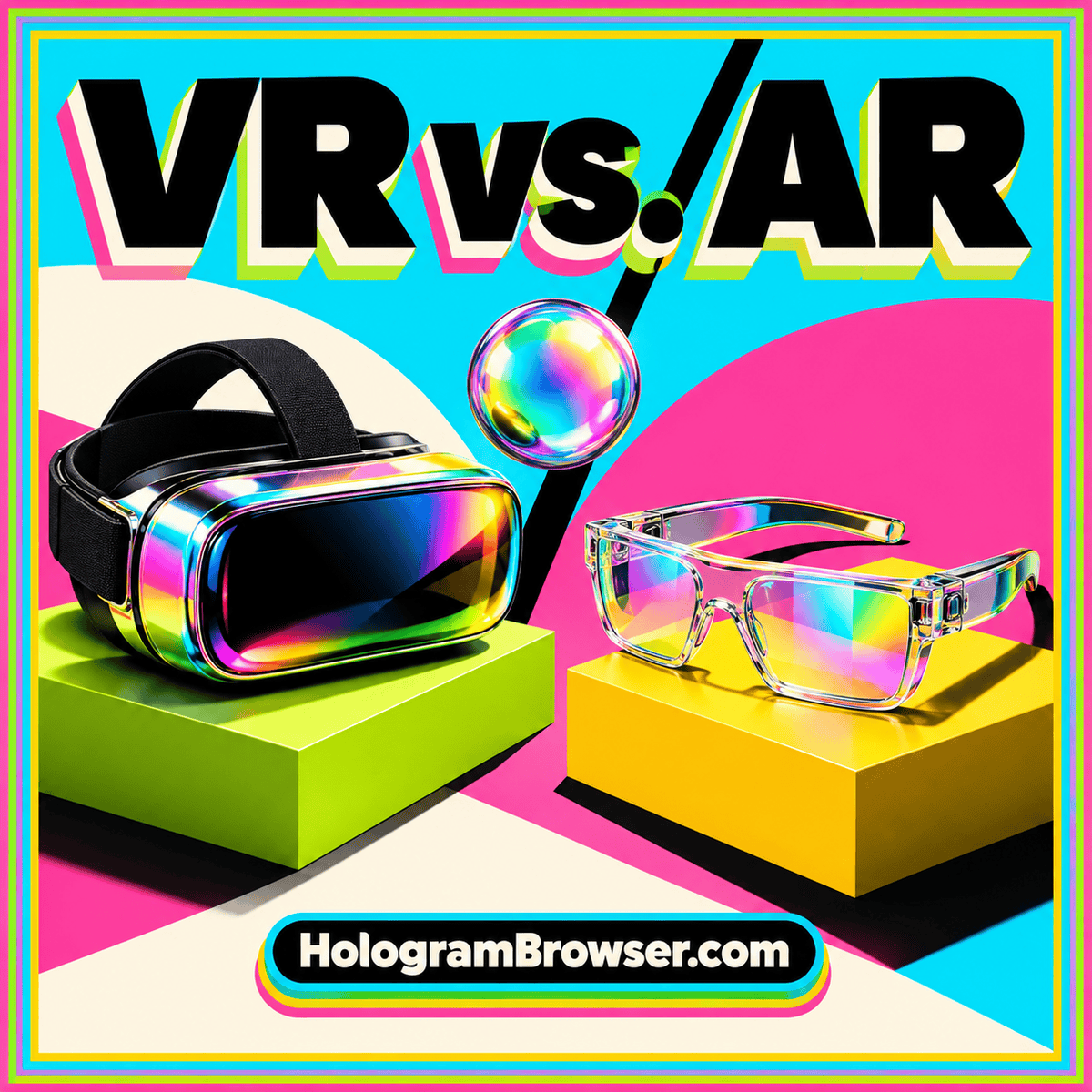
Compare virtual and augmented reality by room context, object placement, interaction, and practical use rather than the hologram label.
Read the guideSee how a digital object becomes part of an immersive virtual environment, and what tracking, interaction, and thoughtful design add to the experience.
A VR hologram is a virtual object presented inside an immersive environment. It might be a sculpture you inspect, an assembly you take apart visually, or a model placed within a designed room. The surrounding scene gives that object a context you can explore.
The word hologram describes its apparent spatial presence here, rather than a guaranteed display technology. The experience depends on the model, the way it is rendered, the device’s tracking, and the controls available to the viewer. Understanding those pieces helps you choose a useful experience.
VR supplies the visual setting around the subject. That setting can be minimal, such as an uncluttered inspection space, or detailed, such as a proposed building. It can represent a place that exists, a place under development, or an entirely imagined environment.
The context should serve the task. A neutral background can help someone identify small components. A room can help someone discuss how objects relate to the overall layout. Decide which relationships matter before adding scenery. A carefully chosen environment makes the subject easier to understand and keeps navigation manageable.
The application renders views of its digital scene for the display. On tracked hardware, those views can update as the viewer moves. Device capabilities determine whether tracking includes head rotation alone or both rotation and position, and which input methods the experience can use.
A browser-based implementation may use WebXR to connect web content with supported immersive hardware. The model and interactions still need to be designed for the task. An object can offer rotation, selectable annotations, or separate component views, but those functions should be demonstrated rather than assumed from the presence of a headset.
A compelling view does not prove that a model is complete or dimensionally accurate. Check the source of its geometry and the meaning of its scale. A miniature model for an overview and a life-size scene for a walkthrough can both be useful when the difference is clear.
Also consider what the presentation omits. A surface rendering cannot reproduce every physical property, and missing internal parts remain missing even when the exterior looks polished. Use measurements, diagrams, or photographs alongside the immersive view when they answer questions the model cannot settle.
Choose a short task with a visible result: identify a component, examine a hidden side, or compare two arrangements. Read the device guidance, prepare a suitable clear area, and learn how to leave the experience. Find its reset control before moving the object or changing your viewpoint.
Proceed in small steps and notice where the interface helps or interrupts the task. Can you read a label without losing the subject? Does moving a component differ clearly from moving yourself? Look for a regular screen view that lets you revisit details and discuss them with someone using a different device.
Read next: Compare VR and AR for different surroundings and tasks, then learn how spatial browsing connects web pages with immersive experiences.
Further reference: W3C — WebXR Device API.
Compare virtual and augmented reality by room context, object placement, interaction, and practical use rather than the hologram label.
Read the guideA practical design checklist for motion, input alternatives, spatial text, captions, orientation, clear exits, and inclusive testing in AR and VR.
Read the guideFollow a spatial experience from web page to XR session, with a clear guide to device support, permissions, tracking, interaction, and useful fallbacks.
Read the guide