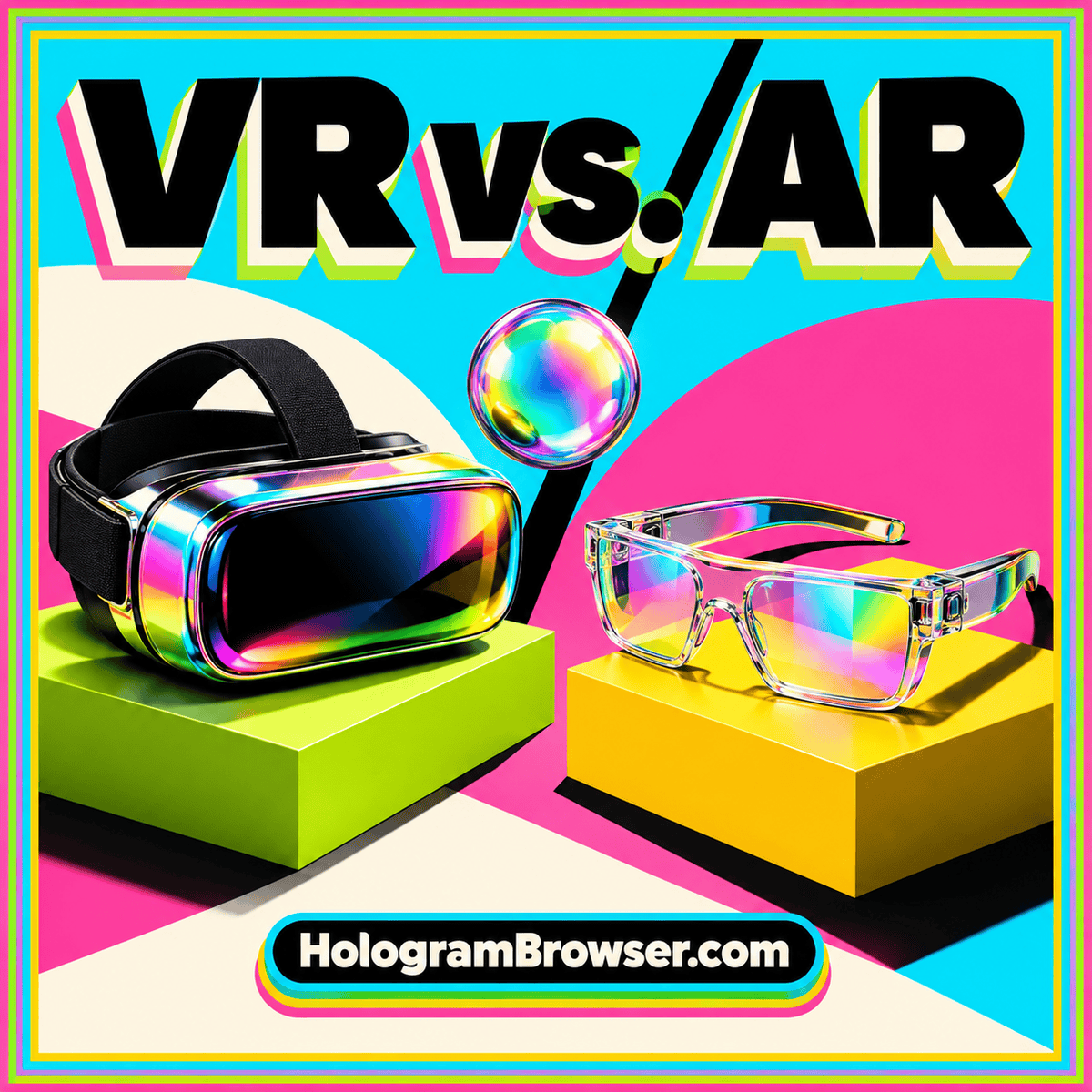
VR holograms and AR holograms often begin with similar digital objects. The important change is where those objects appear and what surrounds them. Virtual reality presents a designed environment. Augmented reality combines digital content with a view of your physical surroundings. That difference shapes the task, the controls, and the questions you can answer.
Here, “hologram” refers to a virtual object that appears spatially present. It does not establish that the display uses optical holography. To compare VR and AR usefully, start with a specific object and ask whether seeing your actual room would help you understand it.
The surroundings change the question
Imagine exploring a digital chair. In VR, you could inspect it inside a completely designed room, alongside a chosen desk and lighting arrangement. This helps discuss a proposed setting, including a room that has not been built. Everyone reviewing the scene can focus on the same designed context.
In AR, the chair might appear in a view of your existing room. You can consider its relationship to the sofa, window, or walkway already there. This makes the actual setting part of the task. The object is still a model, and its apparent fit depends on correct dimensions, placement, and tracking.
Neither presentation resolves every question. Surface feel, assembly quality, and exact color under your room’s lighting may require other evidence. Use a spatial view to investigate relationships it can communicate, and retain the measurements and specifications needed for decisions.
How the real world enters an AR view
AR can use a transparent optical display that adds virtual light to your view, or a screen that combines digital imagery with camera views of the surroundings. These approaches do not look identical. Background visibility and the appearance of dark or opaque virtual objects depend partly on how the display combines the images.
The W3C WebXR Augmented Reality Module distinguishes additive, pass-through, and opaque display technologies and defines how content can blend with the environment. It also recognizes both handheld and head-worn interaction. The broader AR label therefore does not imply a single kind of screen or headset.
For a practical comparison, observe the experience itself. Can you see the nearby table clearly? Does the digital object remain readable against a busy background? Do its edges change when you move? Those observations are more useful than assuming all AR views behave the same way. Our AR hologram guide explores the role of room context.
Object placement has several meanings
A digital panel may follow the viewer, remain in a position within the scene, or attach to a detected surface. All three can be described as floating, yet they support different tasks. A control panel that follows you can be convenient. A model intended for close inspection is easier to understand when its position behaves predictably.
In AR, ask what establishes that position. Does the experience invite you to select a surface? Can you reposition the object? Does it clearly distinguish changing display size from changing the object’s claimed physical scale? These details become important when the surrounding room provides a familiar size reference.
In VR, placement happens within a constructed scene, but scale still matters. A miniature room displayed on a table supports an overview. Standing within a room at an intended life-size scale supports a different inspection. Switching between those views should be deliberate and clearly signaled.
Do not assume that a placed object will remain in the same location after leaving and reopening an experience. Persistence, shared positioning, and cross-device alignment are separate features. If you need them, ask for a demonstration of the exact workflow you plan to use.
Seeing depth is different from seeing a real object
A rendered model can provide shape cues through perspective, shading, motion, and, on suitable displays, separate views for the eyes. A tracked experience can update its view as you move. These cues can make a virtual object feel convincingly present, while its appearance remains mediated by a display.
That distinction matters when evaluating detail. A close-up can reveal model geometry without proving that the underlying model is accurate. A polished material can suggest metal without establishing the finish of a manufactured item. A convincing scene can still omit hidden structure.
Consider what happens when the virtual object should pass behind a real item in AR. Correct visual overlap requires the experience to account for that relationship; it should not be assumed from the AR label. In VR, the application can control both objects in a designed scene, but the modeler must still create the relevant geometry.
Use a small inspection task to separate appearance from information. Can you identify a connector, compare clearances, or explain how two parts fit? Those are stronger evaluation questions than whether the scene looks futuristic.
Interaction depends on the device and design
A phone-based AR view often combines physical movement with touch controls. A headset experience may offer controllers, hands, gaze-related input, or a combination supported by its platform. VR and AR do not dictate one universal control scheme.
When reviewing an experience, try its basic actions in sequence: select, inspect, move, reset, and exit. Notice whether the application explains the difference between moving your viewpoint and moving the object. Confusing those actions can make a simple inspection unnecessarily difficult.
For a longer task, consider where instructions live. An annotation beside a model may be useful for a short label, while a detailed explanation may be easier to read on a stable panel. Controls should remain legible and within comfortable reach without obscuring the subject.
Our VR hologram overview develops these questions for immersive environments. The same principle applies across devices: choose interactions that help the visitor understand the subject and offer a predictable way to recover from an accidental action.
Choose by the task, then test the context
For an architectural concept, ask whether the review needs an imagined building or an existing room. VR can support discussion of a designed environment as a whole. AR can support discussion of a digital addition in a real setting. A project may benefit from both at different stages.
For teaching, decide what students need to notice. A virtual environment can isolate a subject and remove distracting surroundings. An AR view can connect a model with objects already on a desk. In either case, written explanations, labels, and a regular screen option can make the lesson easier to revisit.
For a demonstration, consider the audience. Will one person use the device at a time, or does a group need to discuss the same view? A spectator screen may show what one participant sees, but it does not automatically give every observer an independent spatial viewpoint.
For design inspection, prioritize model accuracy and useful views. The distinction between AR and VR becomes secondary if the object is missing the very part you need to examine. Start with suitable content, then choose the environment that makes the relevant relationships clear.
Run the same comparison in both modes
If you can try the same subject in VR and AR, give each mode the same task. For example, locate three named parts, inspect the rear of the object, and return it to a known view. Record which steps felt clear and where the interface caused uncertainty.
Then add one context-specific question. In AR, assess the object’s relationship to a real surface. In VR, assess its relationship to the surrounding designed scene. This keeps the comparison fair while recognizing the different strengths of the formats.
Also check the route into the experience. A web link can be a convenient entry point, but browser, device, and session support still need to match. Our guide to hologram browsers explains that path.
A useful choice starts with the surroundings
Choose AR when your physical setting contributes information you need. Choose VR when the task benefits from a designed surrounding scene. Then judge scale, placement, controls, model quality, and accessibility separately. The most useful “hologram” experience is the one that helps you answer your question clearly.